GPT Image 2.5 API
Use GPT Image 2.5 for Image generation through one OpenAI-compatible API.
Capabilities
- Model
- Image
- API model
zhenzhen-image-g-v2.5-lowprice- Endpoints
- openai
- Parameters
- resolution, aspect ratio, reference image, output format
Current pricing
≈¥0.04–0.17 per request
Gallery examples
 Healing Sleep Aid Guide: Nine-Grid
Healing Sleep Aid Guide: Nine-Grid — explore this gpt-image-2.5 creation on OpenZhenZhen, with its original prompt and a reusable generation example.
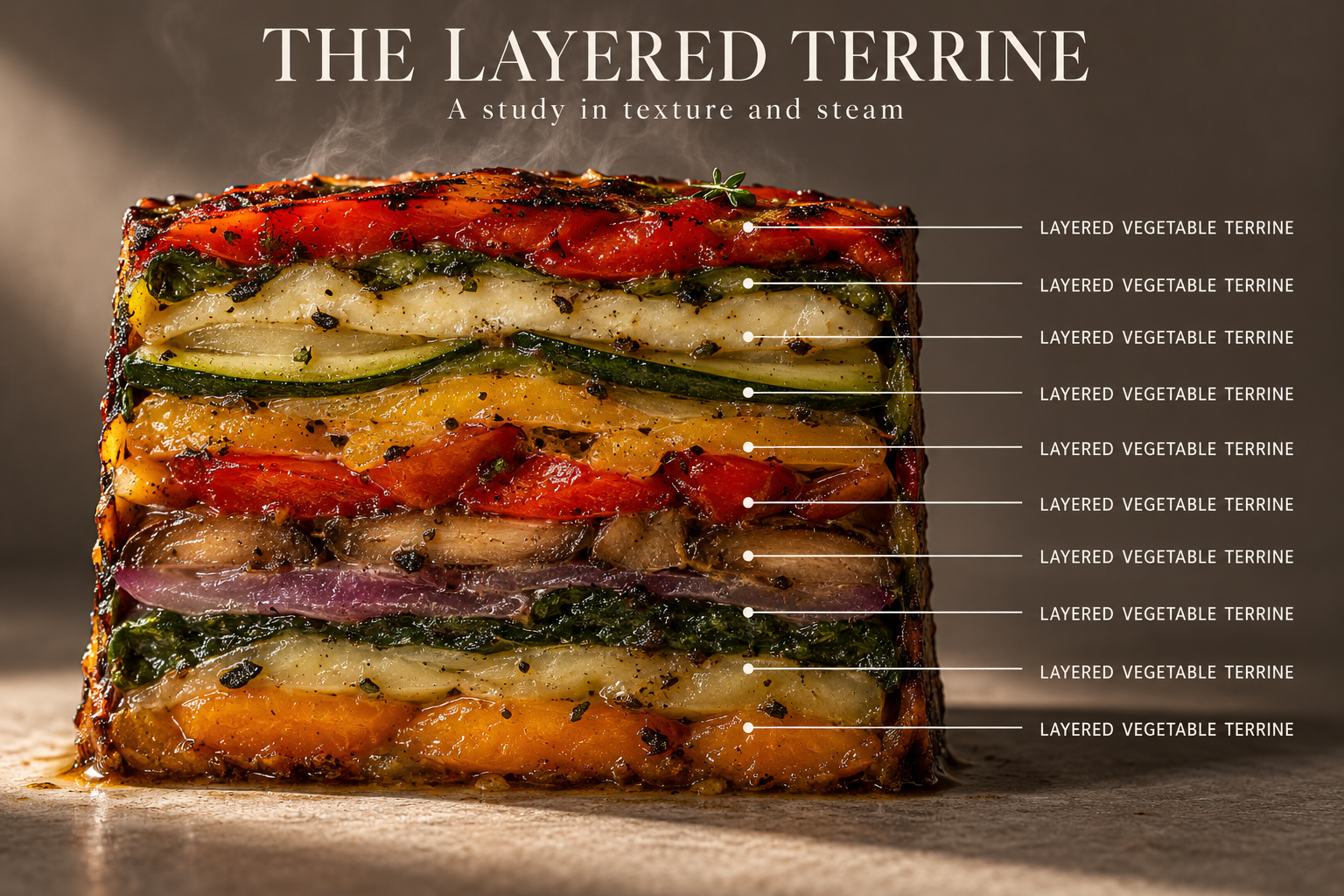 Scientific Infographic-Style Food Cross-Section Photography
Scientific Infographic-Style Food Cross-Section Photography — explore this gpt-image-2.5 creation on OpenZhenZhen, with its original prompt and a reusable generation example.
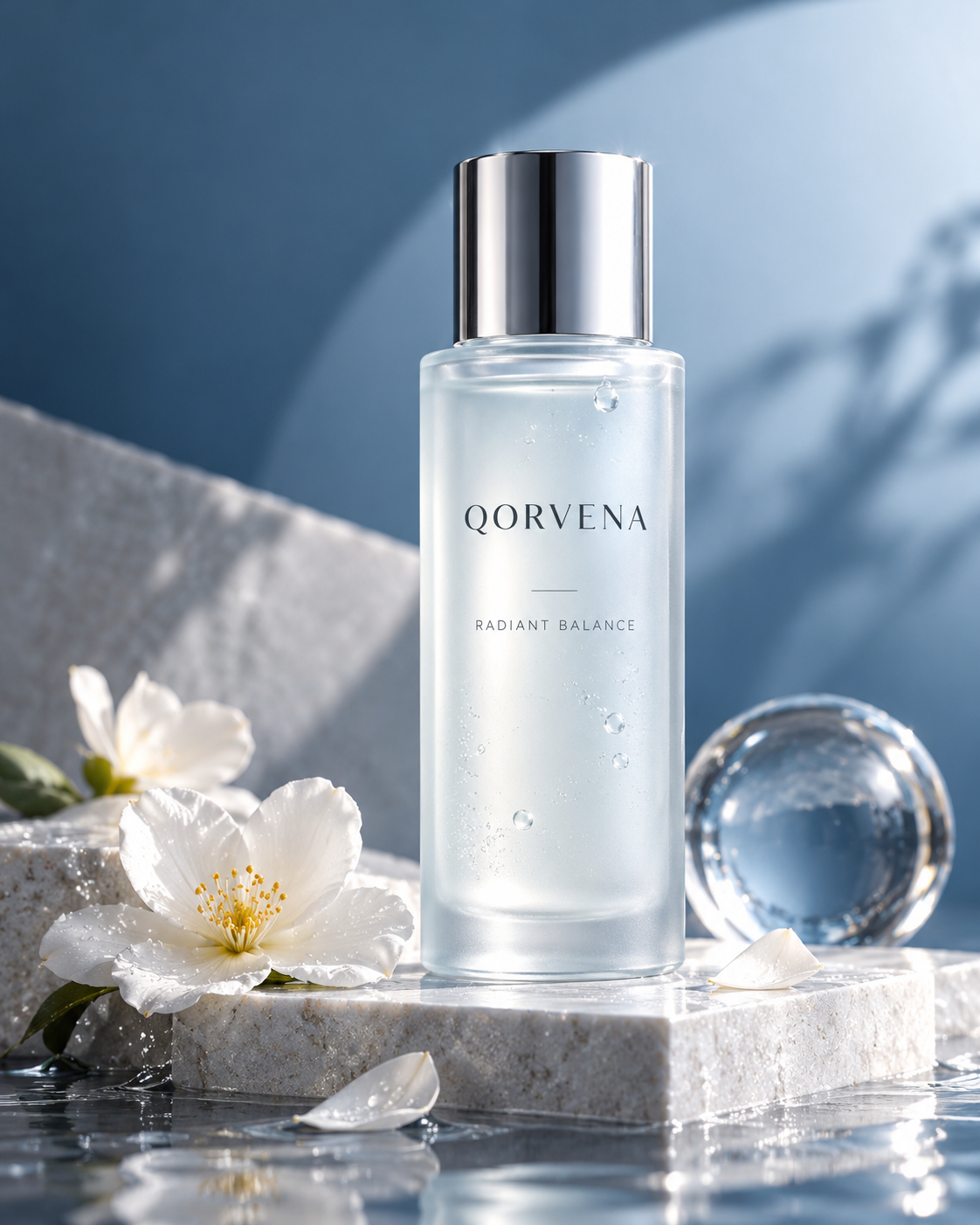 Trendy Perspective: Refined Product Ads Reimagined
Trendy Perspective: Refined Product Ads Reimagined — explore this gpt-image-2.5 creation on OpenZhenZhen, with its original prompt and a reusable generation example.
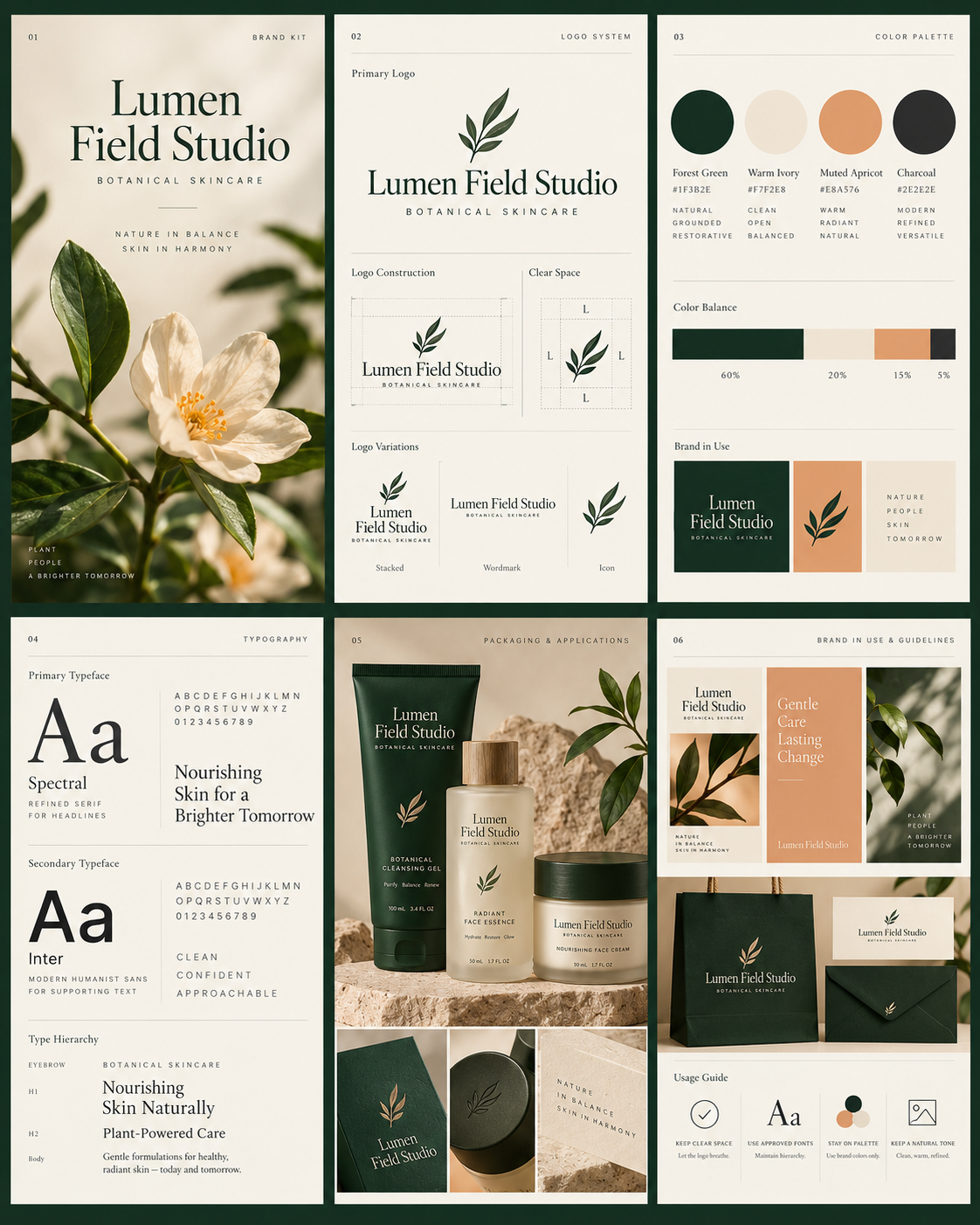 Exquisite Multi-Page Brand Kit Design
Exquisite Multi-Page Brand Kit Design — explore this gpt-image-2.5 creation on OpenZhenZhen, with its original prompt and a reusable generation example.
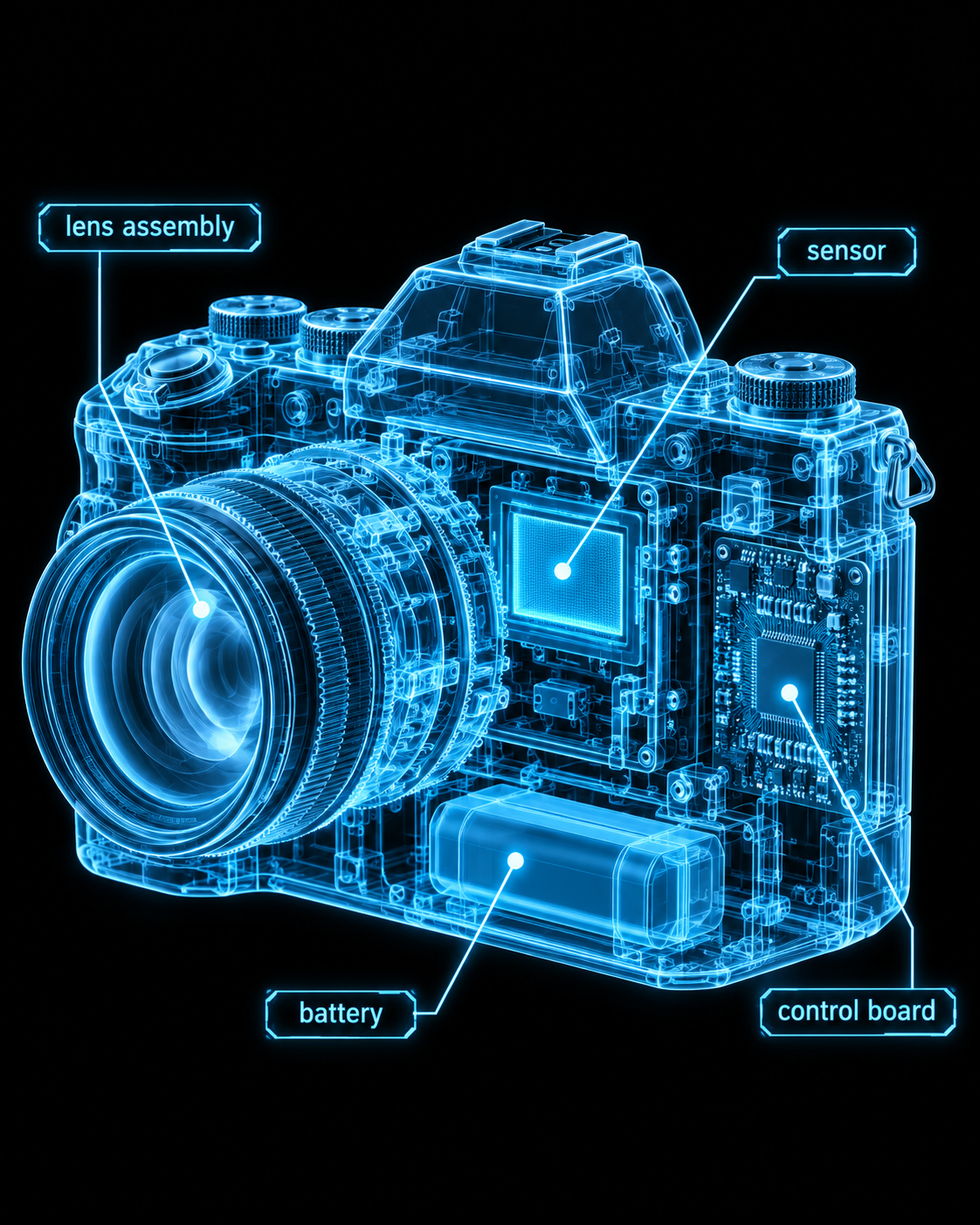 Cyberpunk Neon X-Ray Scan
Cyberpunk Neon X-Ray Scan — explore this gpt-image-2.5 creation on OpenZhenZhen, with its original prompt and a reusable generation example.
 Dark Yandere's Slumbering Bondage
Dark Yandere's Slumbering Bondage — explore this gpt-image-2.5 creation on OpenZhenZhen, with its original prompt and a reusable generation example.
Quick start
curl https://api.seedance.nz/v1/chat/completions \
  -H "Authorization: Bearer $SEEDANCE_API_KEY" \
  -H "Content-Type: application/json" \
  -d '{"model":"zhenzhen-image-g-v2.5-lowprice","prompt":"A clear description of the scene"}'
from openai import OpenAI
client = OpenAI(base_url="https://api.seedance.nz/v1", api_key="$SEEDANCE_API_KEY")
result = client.images.generate(model="zhenzhen-image-g-v2.5-lowprice", prompt="A clear description of the scene")const client = new OpenAI({ baseURL: 'https://api.seedance.nz/v1', apiKey: process.env.SEEDANCE_API_KEY });
const result = await client.images.generate({ model: 'zhenzhen-image-g-v2.5-lowprice', prompt: 'A clear description of the scene' });Frequently asked questions
How do I call this model?
Create an API key, choose the model name below, and send a request to the documented OpenAI-compatible endpoint. Final billing follows the current price and usage parameters.